CD in CARD WALLET Prices
50 Disc(Colour) in CD Card wallets(colour) £169.
100 Disc(Colour) in CD Card wallets(colour) £209.
200 Disc(Colour) in CD Card wallets(colour) £299.
300 Disc(Colour) in Card wallets(colour) £399.
400 Disc(Colour) in Card wallets(colour) £449.
500 Disc(Colour) in Card wallets(colour) £479.
inc delivery in UK & Ireland,Duplication templates below
Best Prices in UK, Got a better quote let us know and we will beat it
Card Wallet
Design Information
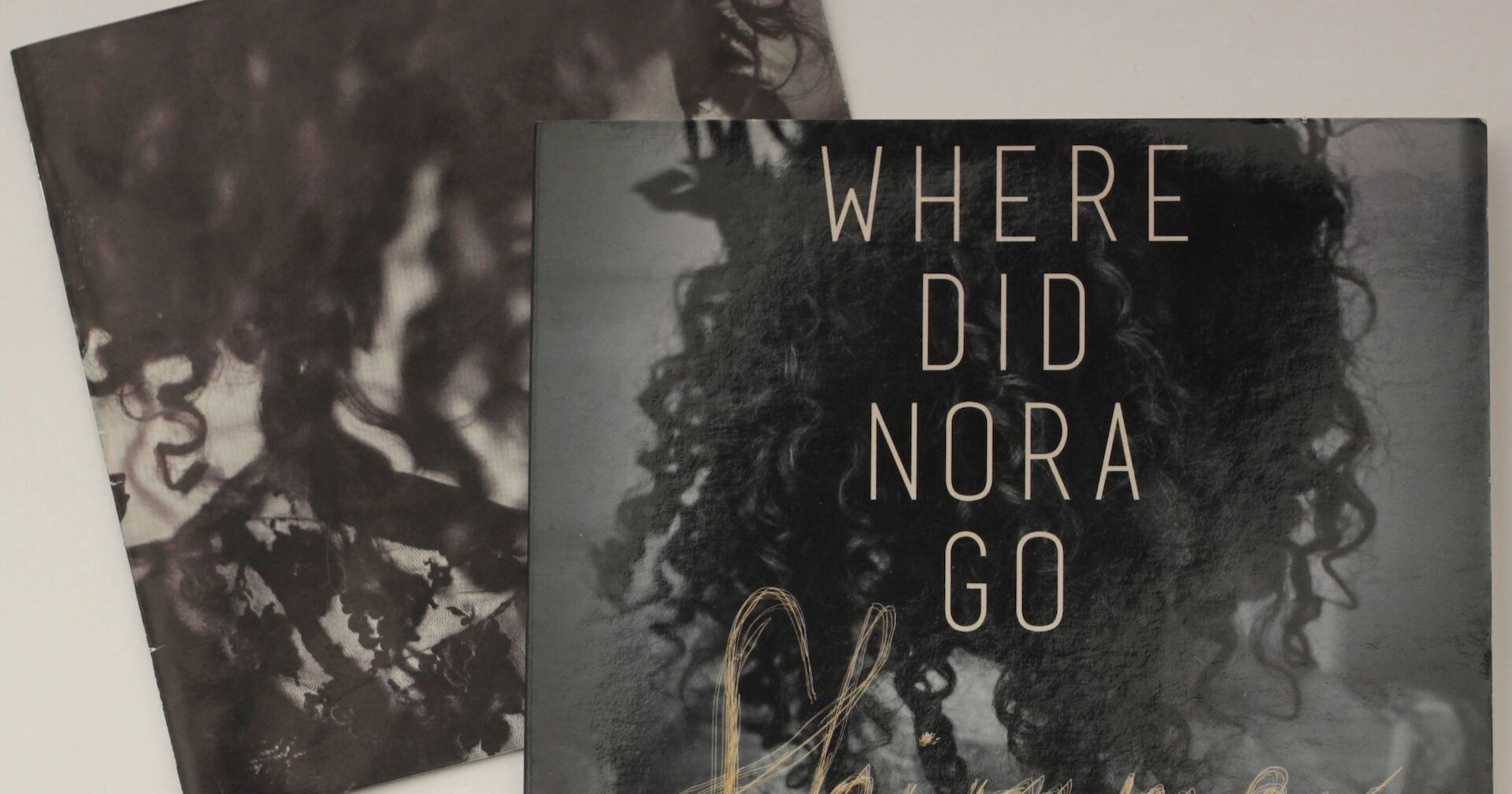
Printed CD Card Wallet make a great low cost packaging solution for demos, singles or albums, allowing two full sides of colour printing. Selling at gigs and online is much easier due to size and weight. Posting for mail order is also great as less likely to get damage in the mail and is much less expensive as other formats.
Design is easy, use our template below. If it is help is needed give a shout and we can help with the design. With your artwork printed to the sustainable card stock, a custom card wallet will give your CD or DVD project a professional, well branded look, yet won’t cost the earth and can be recycled.
We can help you with the artwork, which consists of one piece with front and back. Also there is an economical option using black and white print on disc. See price list below. Card wallets can also carry DVDs and CD-ROMs. Any questions feel free to contact us. Turn can be as low as 4 working days. Contact us for details.
Card wallet template
For CD card wallet artwork, design for both shelf impact and small-format readability.
- Plan the dieline first: Confirm the exact flat layout, fold lines, glue flaps, spine width, pocket depth, and which panels are visible when folded.
- Use print-ready dimensions: Add the printer’s required bleed—commonly 3 mm or ⅛ inch—plus a safe margin inside the trim area. Keep important text and faces away from folds and edges.
- Create a strong front cover: Use one clear focal image, title, and artist name. Avoid cramming the cover with credits or decorative elements.
- Design the back panel for scanning: Include the track list, credits, barcode, label information, website, and copyright details in a clear hierarchy.
- Make the spine readable: Include artist and release title, oriented according to the manufacturer’s requirements. The spine is often the only visible part on a shelf.
- Keep text legible: Use type large enough for physical print. Avoid thin fonts, low-contrast text, and placing text over busy artwork.
- Build a consistent visual system: Repeat colors, textures, symbols, and typography across the front, back, inside panels, and CD label.
- Consider the disc cutout: Don’t place key artwork or faces where the CD hole, pocket, or adhesive flap will obscure it.
- Use high-resolution assets: Work at 300 dpi at final size, preferably in CMYK if the printer requests it. Keep vector logos and text as vectors.
- Check color carefully: Rich blacks, fluorescent colors, and dark gradients can print differently than they appear on screen.
- Account for paper and finish: Matte laminate feels understated; gloss makes colors punchier; uncoated stock gives a tactile, indie look. Remember that coatings can affect contrast and color.
- Add a deliberate inside experience: The interior can contain lyrics, liner notes, photography, credits, or a visual surprise rather than simply repeating the cover.
- Export correctly: Follow the printer’s PDF preset, embed or outline fonts, include bleed, and avoid accidental crop marks unless requested.
A useful panel hierarchy is:
- Front: title, artist, primary image
- Back: track list and required information
- disc artwork, title, artist, primary image
Before finalizing, print the layout at 100% scale, fold a paper mock-up, and place a CD inside. This catches reversed panels, unreadable text, incorrect spine orientation, and artwork hidden by the pocket.